Today I want to share my experience with Cypress — how I discovered it and how I ended up spending almost a year doing automated testing.
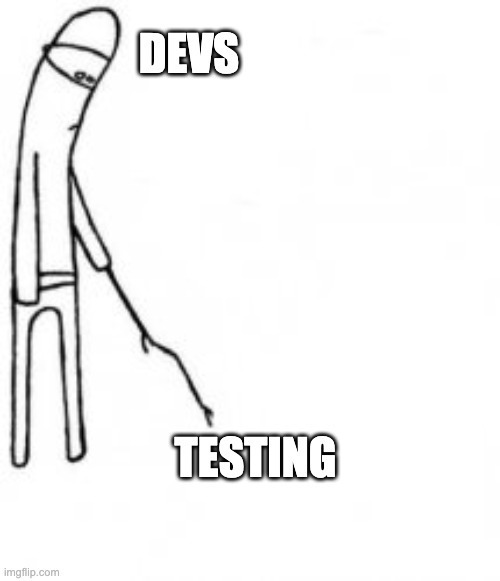
As developers, when we hear we have to write tests we usually shift in our chairs, already thinking about how long and boring it can get. Whether we're building them from scratch or simply fixing them because we changed a whole component and broke everything.
At least that's what I used to think.
Come closer — I'm going to tell you a story…

My first encounter with Cypress was in 2021, under less-than-ideal circumstances. I had to learn it fast, with no prior experience, on a project with huge files and a tight deadline to write 12 lengthy tests. Let's just say this was not the start of a love story 🤣 — and luckily for me, it was extremely short.
Fast-forward to 2022.
New project, old friends
I was lucky enough to start working with a friend on implementing automated testing with Cypress. I thought it would be a great chance to learn from someone with a lot of experience and to pick up Cypress at a calmer pace. As often happens, things don't go as planned — my friend left after a month.

Quit after a month
But it wasn't all tears and tragedy. I learned a lot along the way, and I want to share that with you.
First, what is Cypress?
Cypress is an open-source automated testing tool that lets developers and testers simulate user interaction with a web application in a browser.
Some of its main features:
- Real-time execution: shows test results immediately.
- Ease of use: even for people new to automated testing.
- Framework integration: works with a wide range of technologies.
- Debugging: tools to debug quickly and efficiently.
For more information, visit Cypress.io.
Ease of creating commands
Cypress simplifies interacting with UI elements through its commands — similar to promises but more approachable. It also lets you create custom commands to automate repetitive tasks, whether finding an element in the DOM or creating products in an e-commerce flow.
Clear goals (UI testing vs logic/functionality testing)
It's crucial to define what parts of the application you're going to test. In our case, we focused on UI tests to cut down manual testing time and make sure new components didn't break the app.
Clear tests, happy devs (readability)
As I said at the start, I'm not QA — and running into enormous, unreadable test files was a bit traumatic. Among other things, there's nothing better for a developer than knowing what to change and where when tests fail.
COMMENT YOUR TESTS. Keep them readable and as simple as possible — everyone stays happier. That way we avoid misunderstandings when we need to update them later.
Screenshots and videos
Cypress can take screenshots and record videos of test runs, which is invaluable for finding and fixing issues. You can configure both for local runs and in the cloud, which makes catching errors across environments easier.
Plugins FTW
Cypress has a large ecosystem of official and community plugins that extend what it can do.
We found @cypress/grep useful for filtering tests by tags, and Percy for visual regression.
In short, my experience with Cypress so far has been an emotional roller coaster — it taught me a lot about automated testing and about thinking through user flows from the user's perspective.
See you next time!
BeerJS Cba 77 — Why suffer with testing? Meet your best ally, Cypress
Cover image by storyset on Freepik
Originally published on DEV Community.