Git and GitHub play an important role—not only for open source software but also in the day-to-day life of developers and companies. But do we understand the difference between them and how they work?
Git is a Distributed Version Control System (DVCS) that lets you observe and control changes in code. It’s widely used in projects because it’s cross-platform, free, efficient, and easy to use. A version control system lets you monitor, review, and manage versions of your project and even revert mistakes that can happen during development.
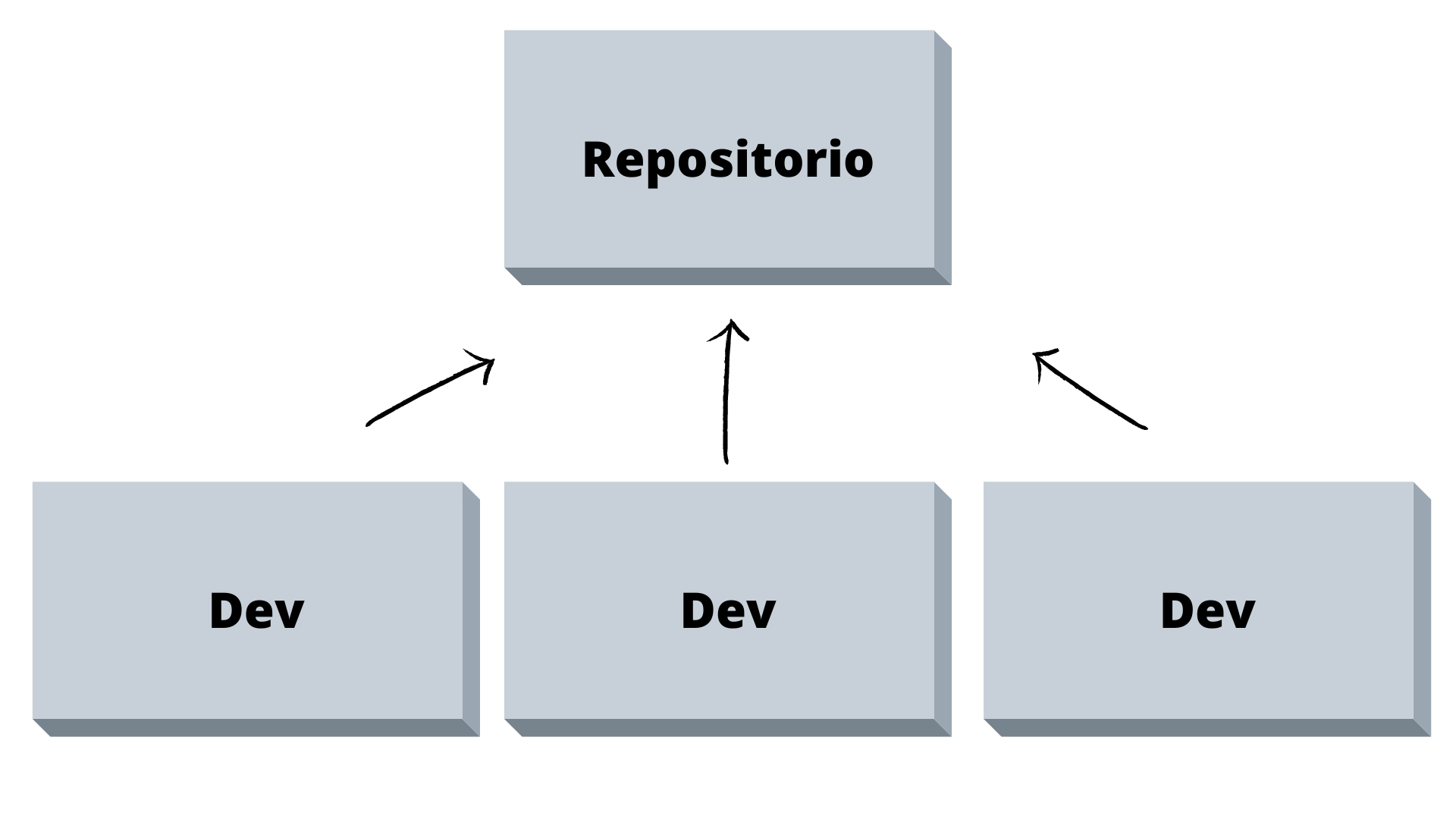
But how do I get started??? Let’s look at the main commands in a Git workflow:
- To create a new repository
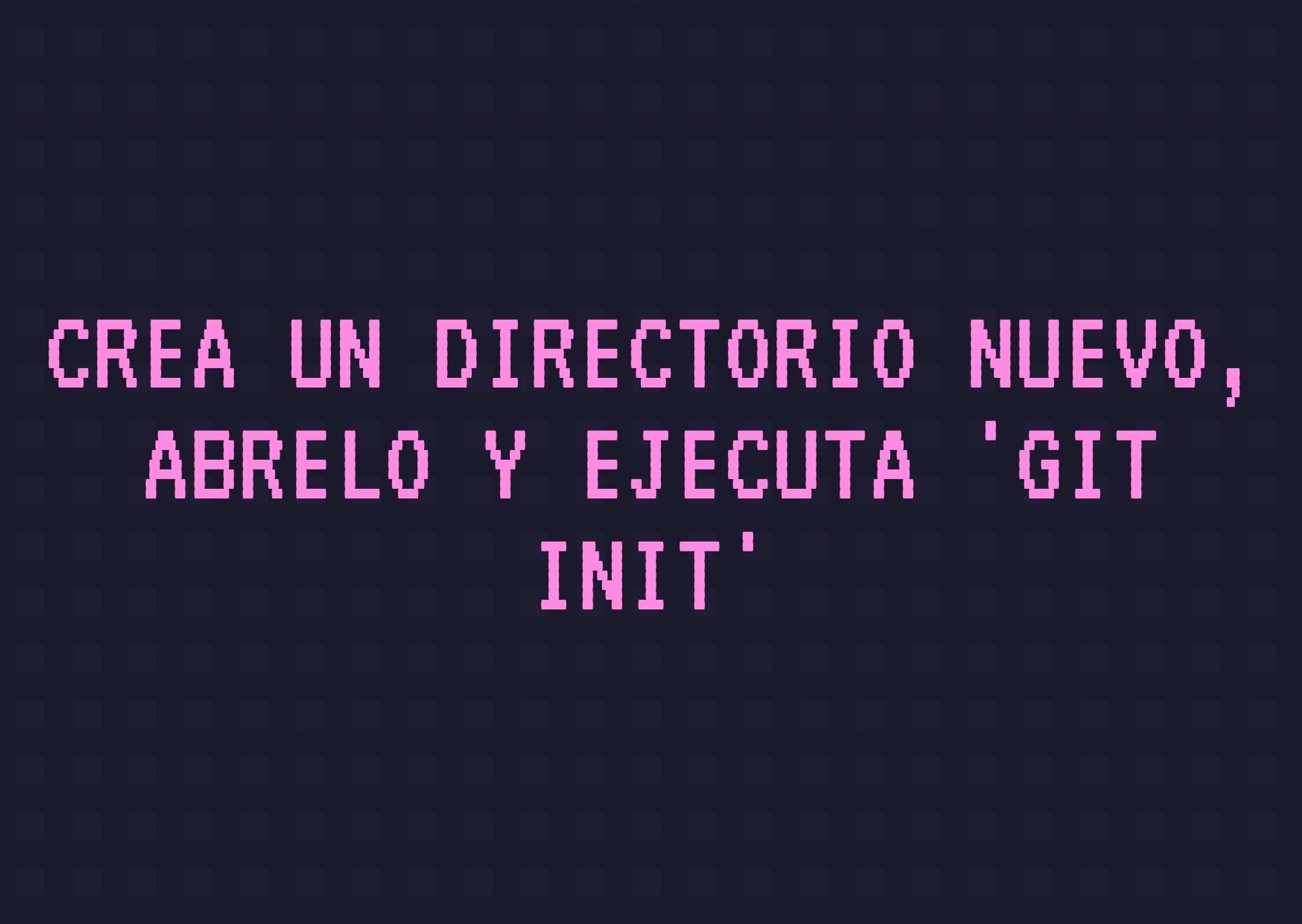
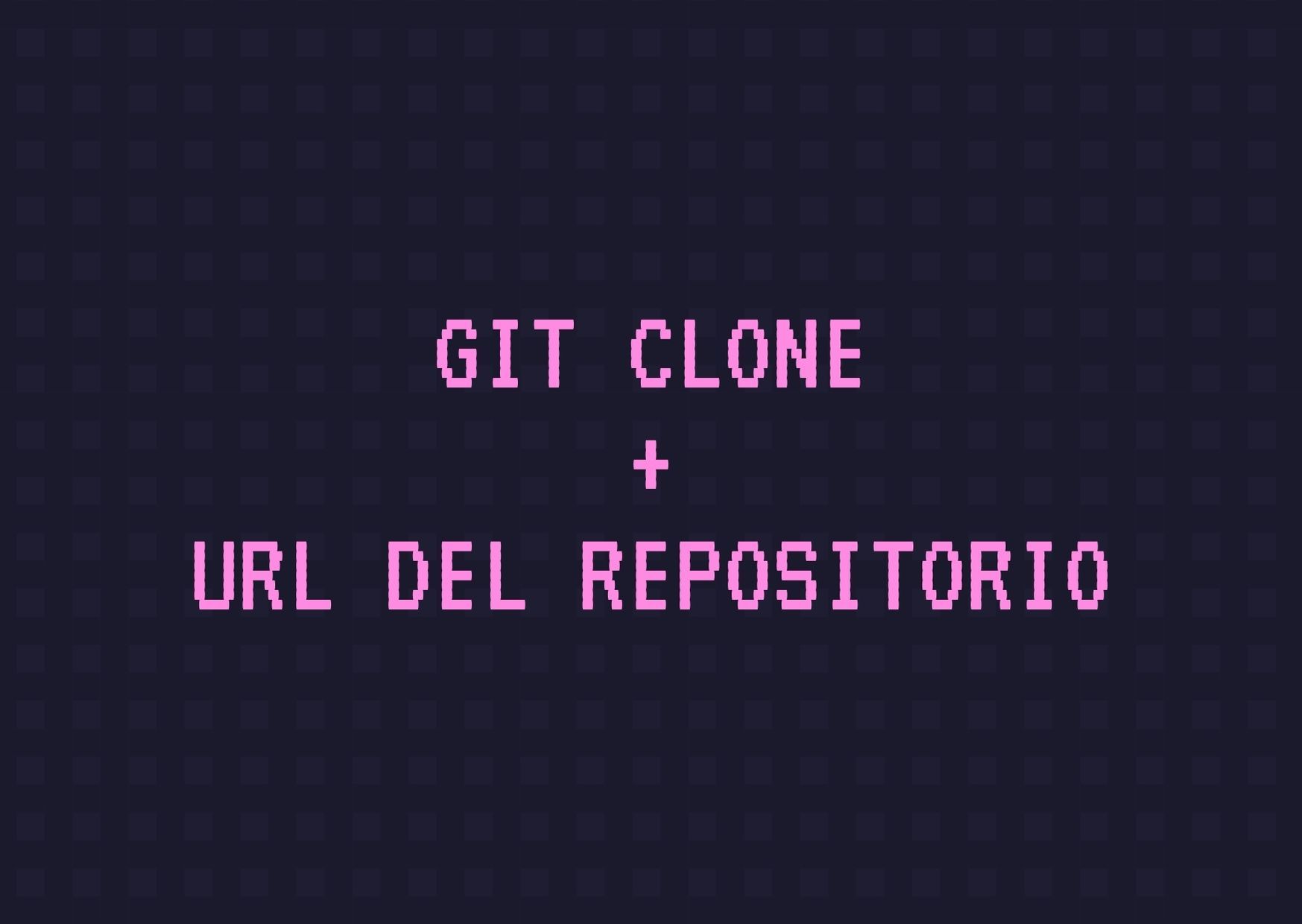
- Create a local copy of the running repository
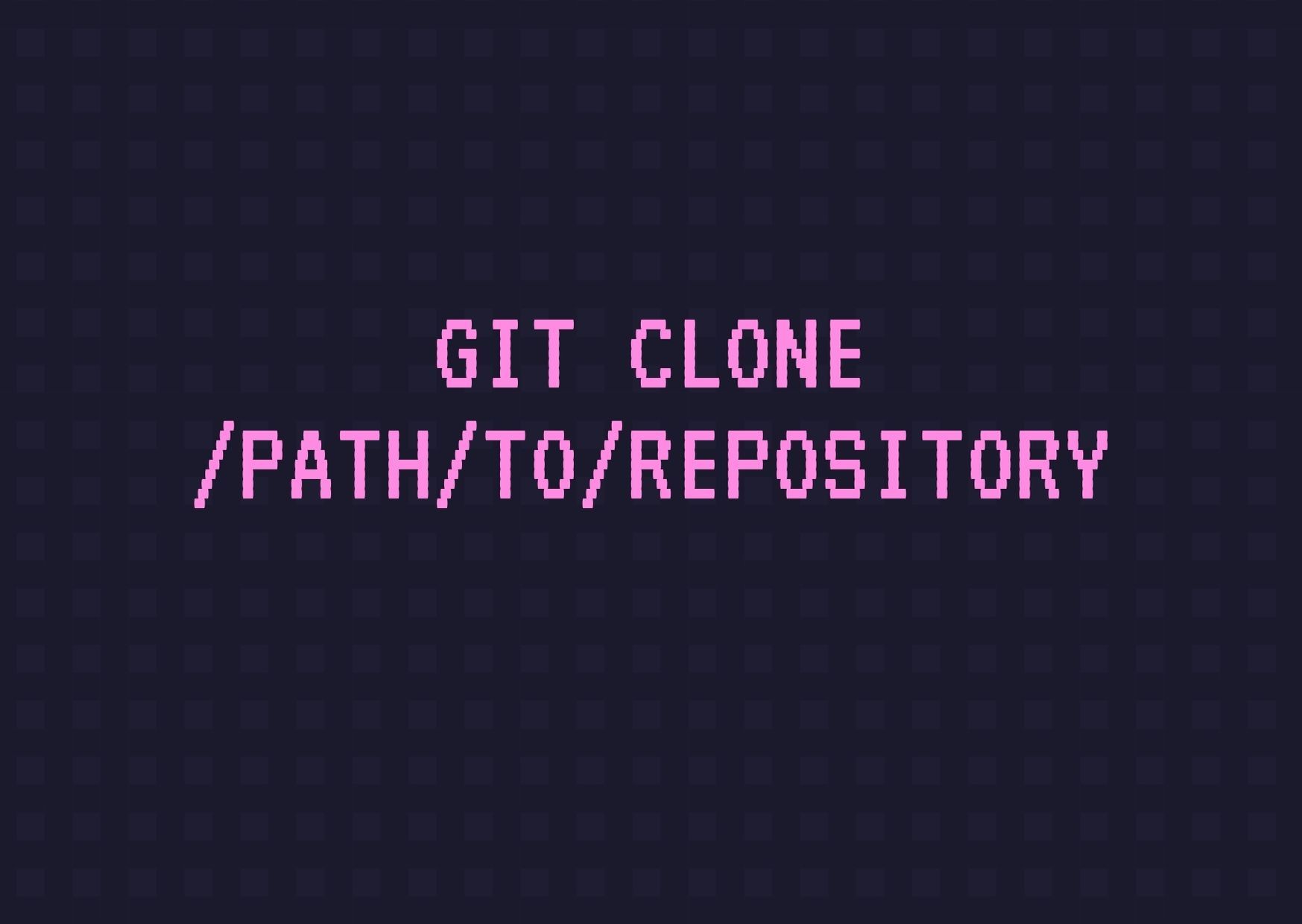
- Clone a remote repository
Workflow
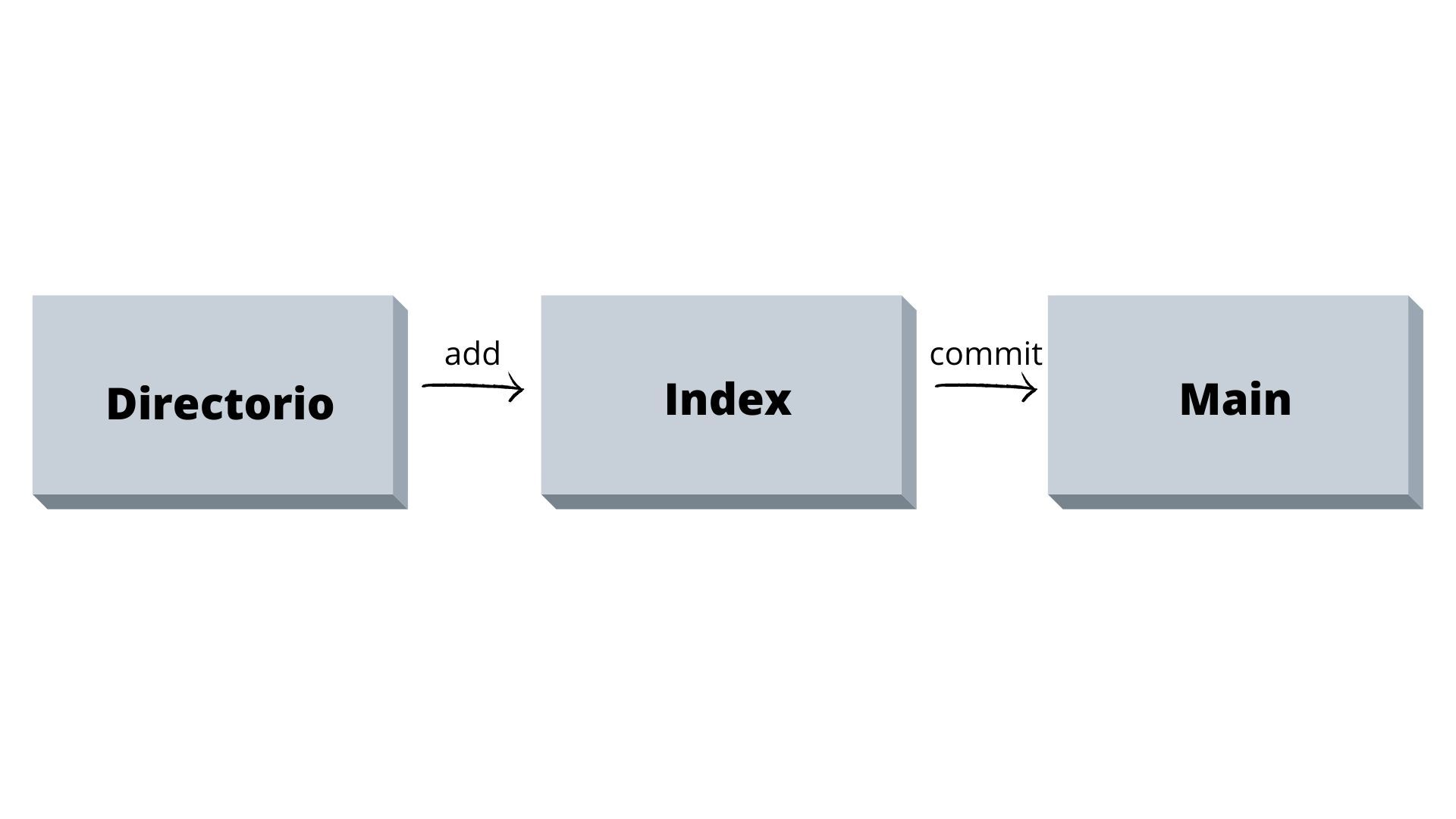
Directory --> Contains the files Index --> Intermediate zone. Main (formerly known as Master) --> Points to the last commit made.
Add and Commit
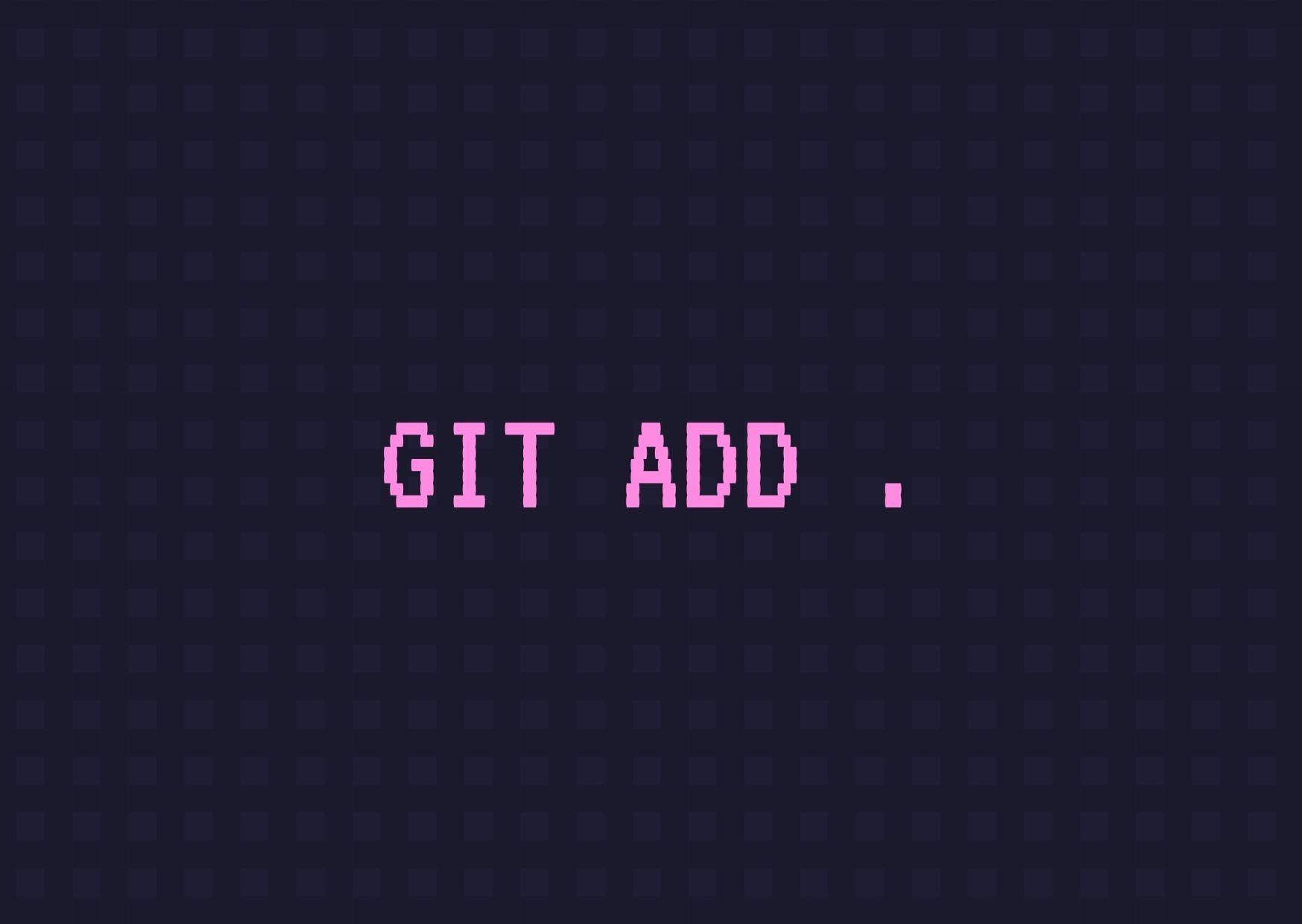
- To stage all changes (Index)
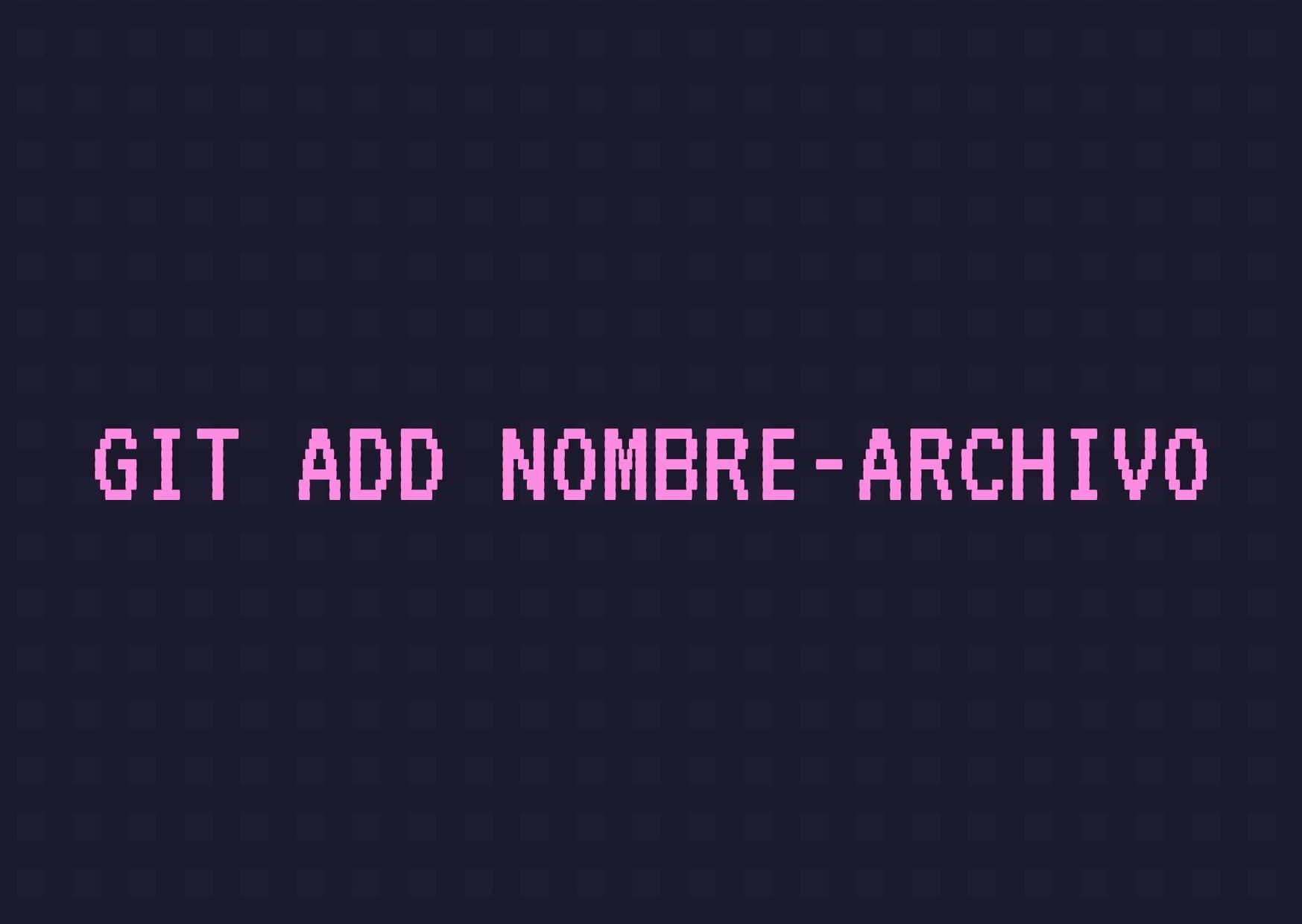
- To stage a single file
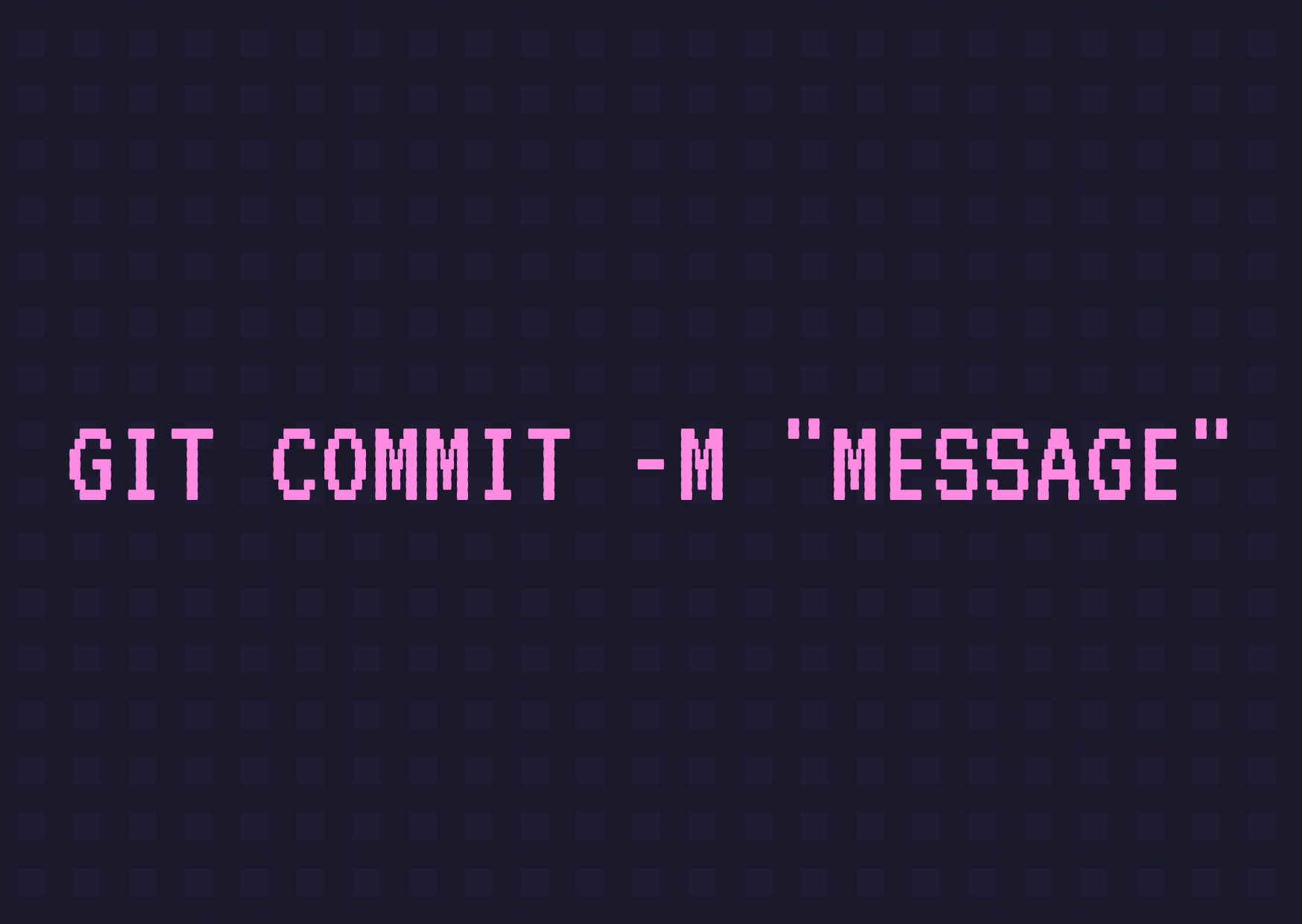
- To commit these changes, including them in “Main”
Pushing changes
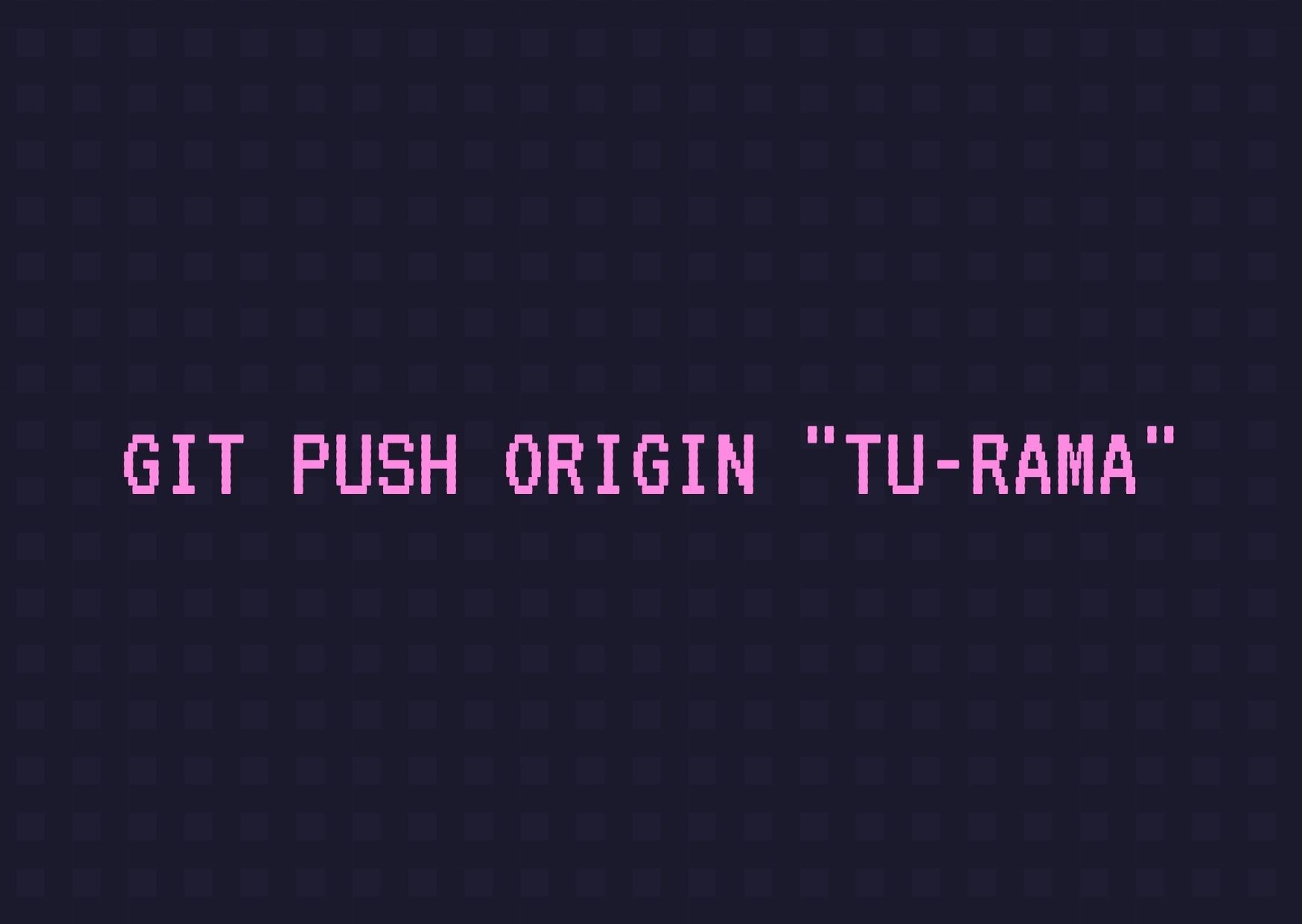
- Send changes to your remote repository (Main or the branch you want to push to)
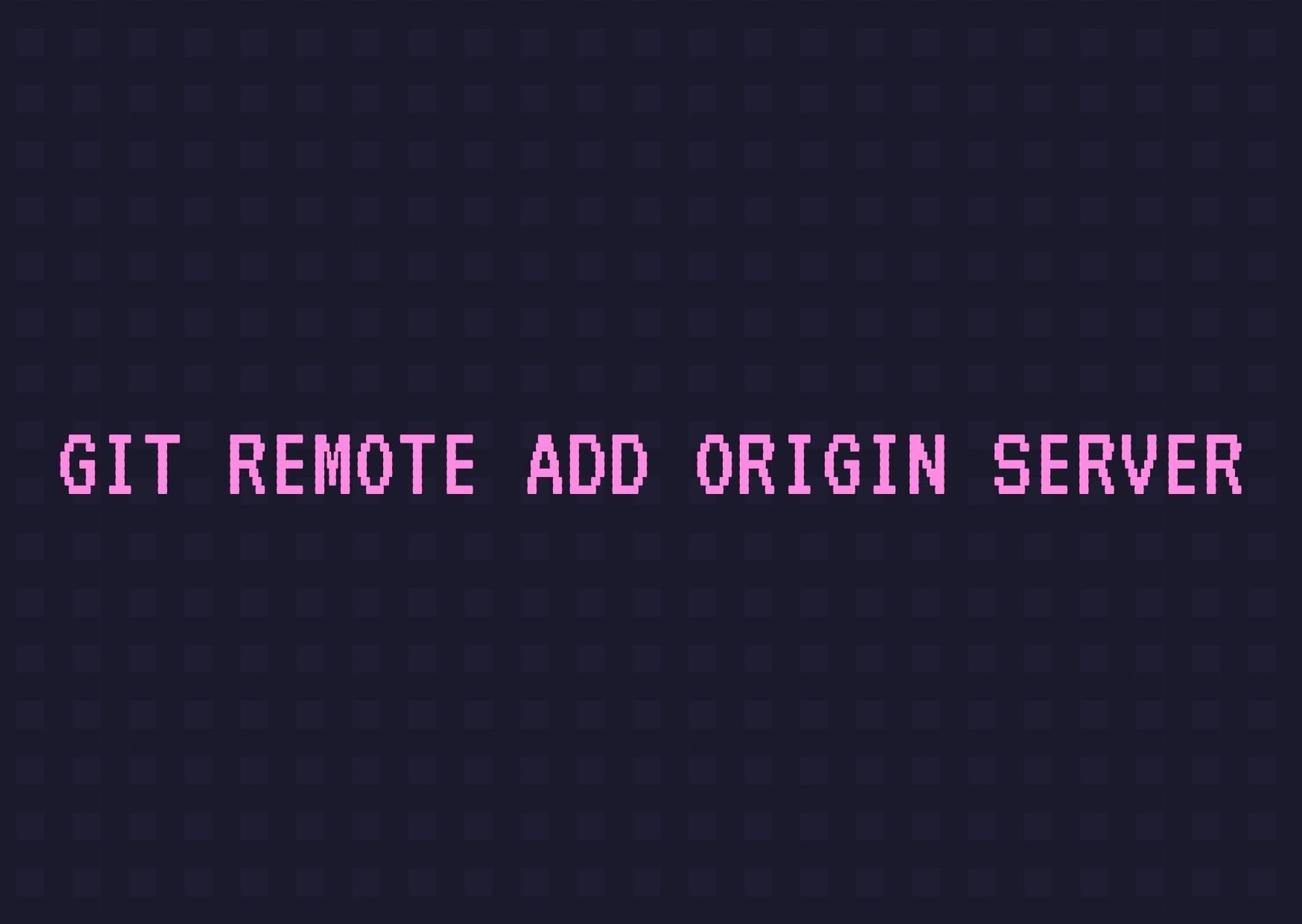
- Connect your local repository to a remote repo.
Branches
Branches are used to develop features isolated from other branches.
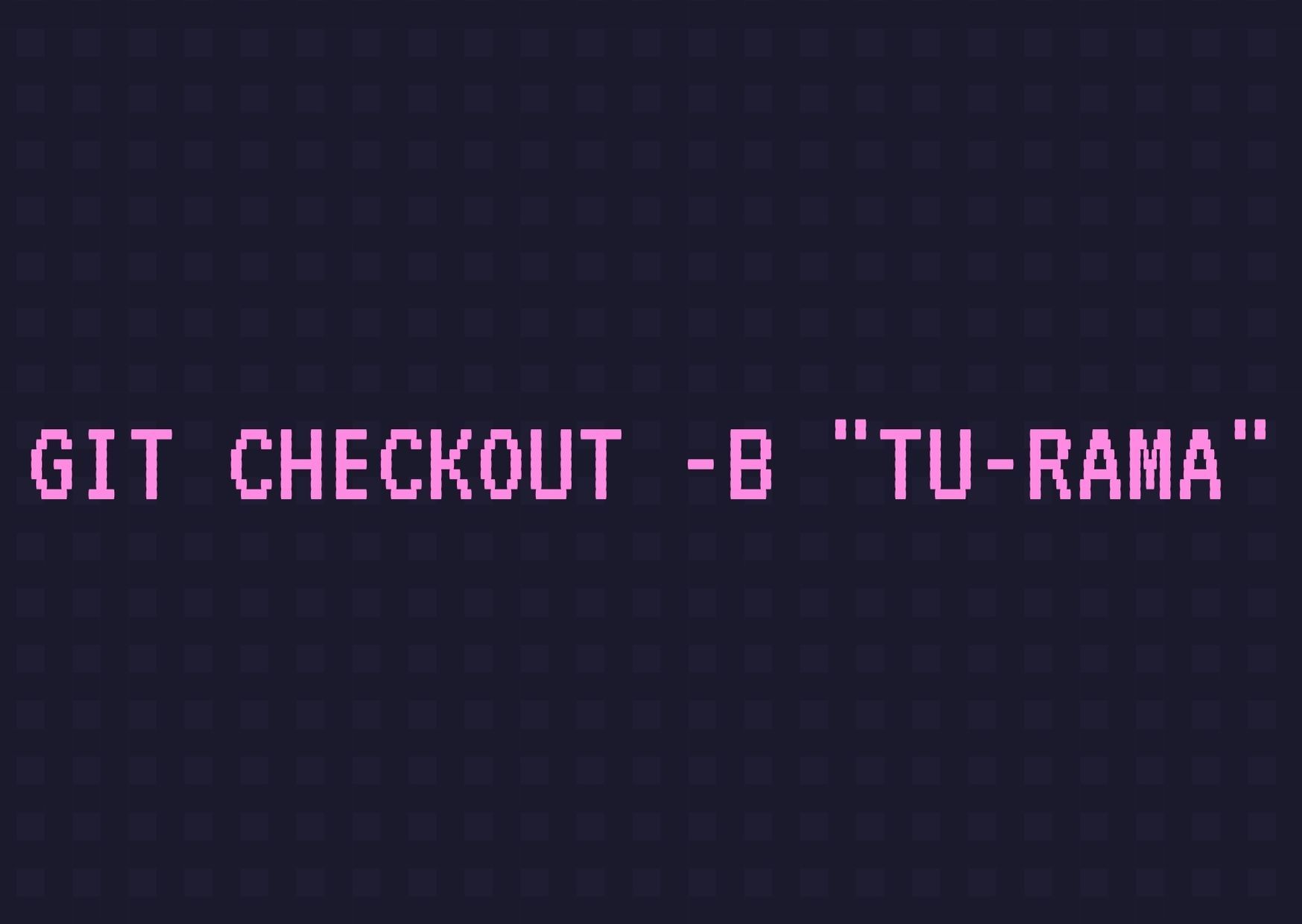
- Create your branch
- Switch to the main branch

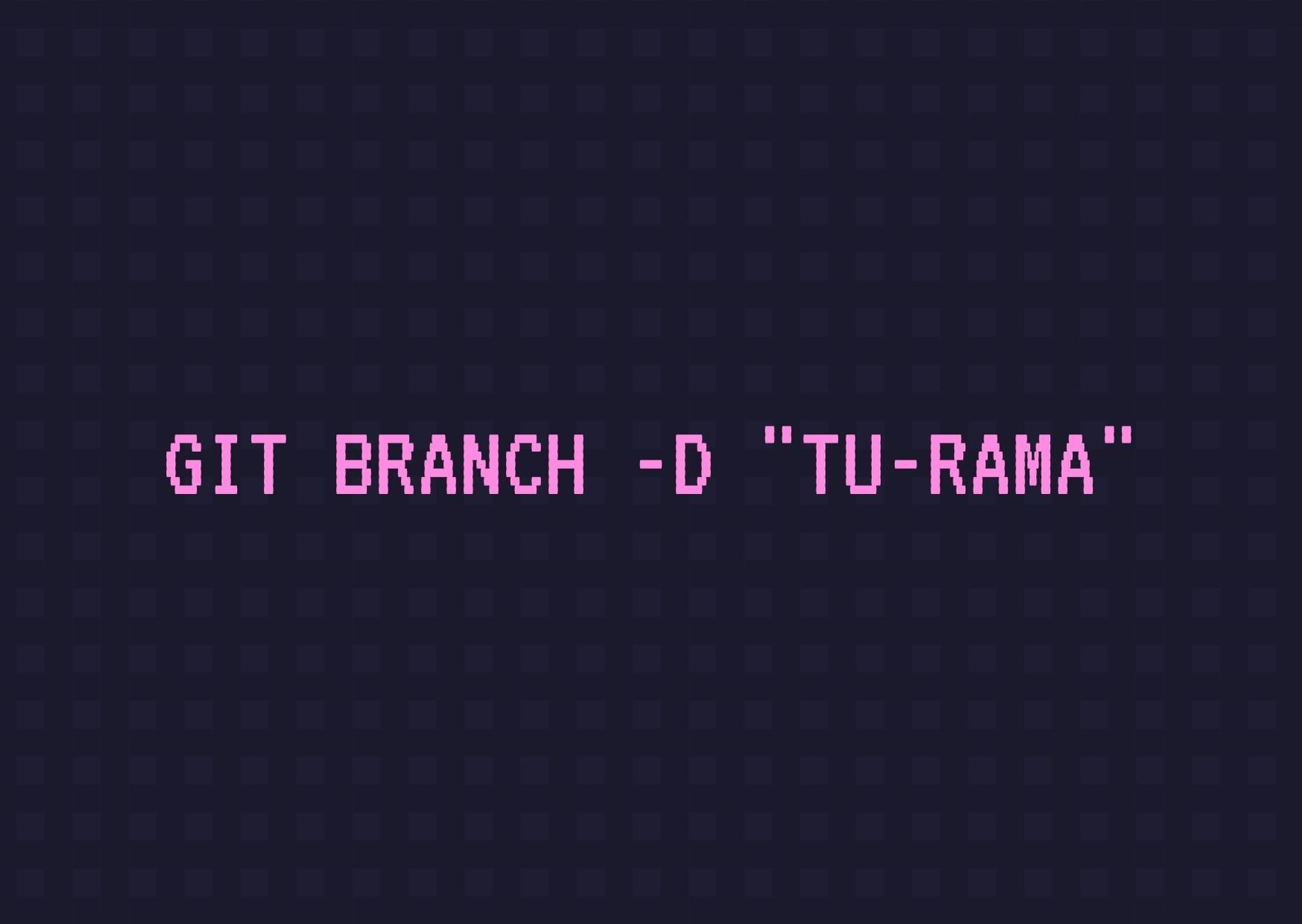
- Delete the branch
- Push the new branch and make it visible on the remote repo
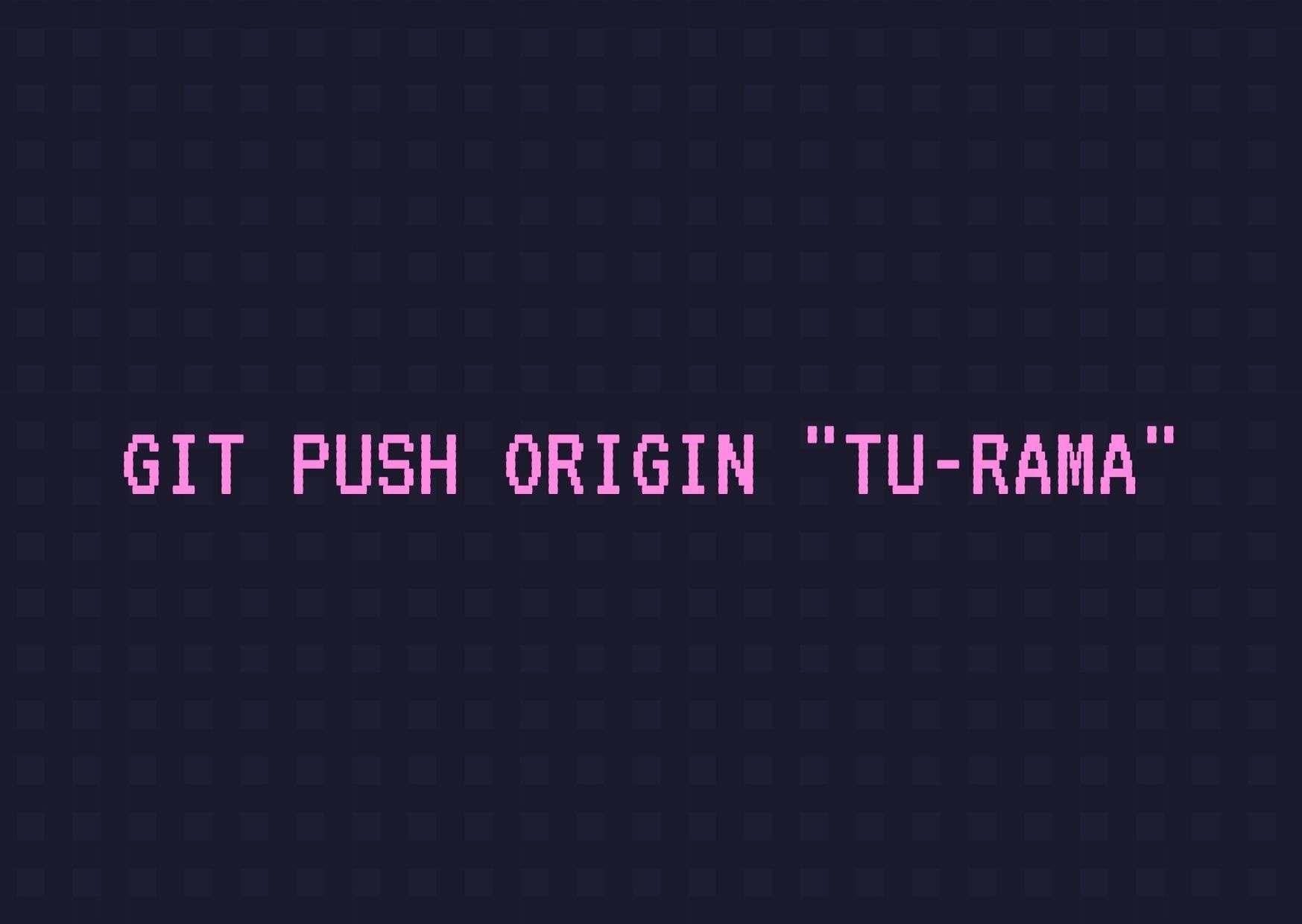
- Update the repo with changes
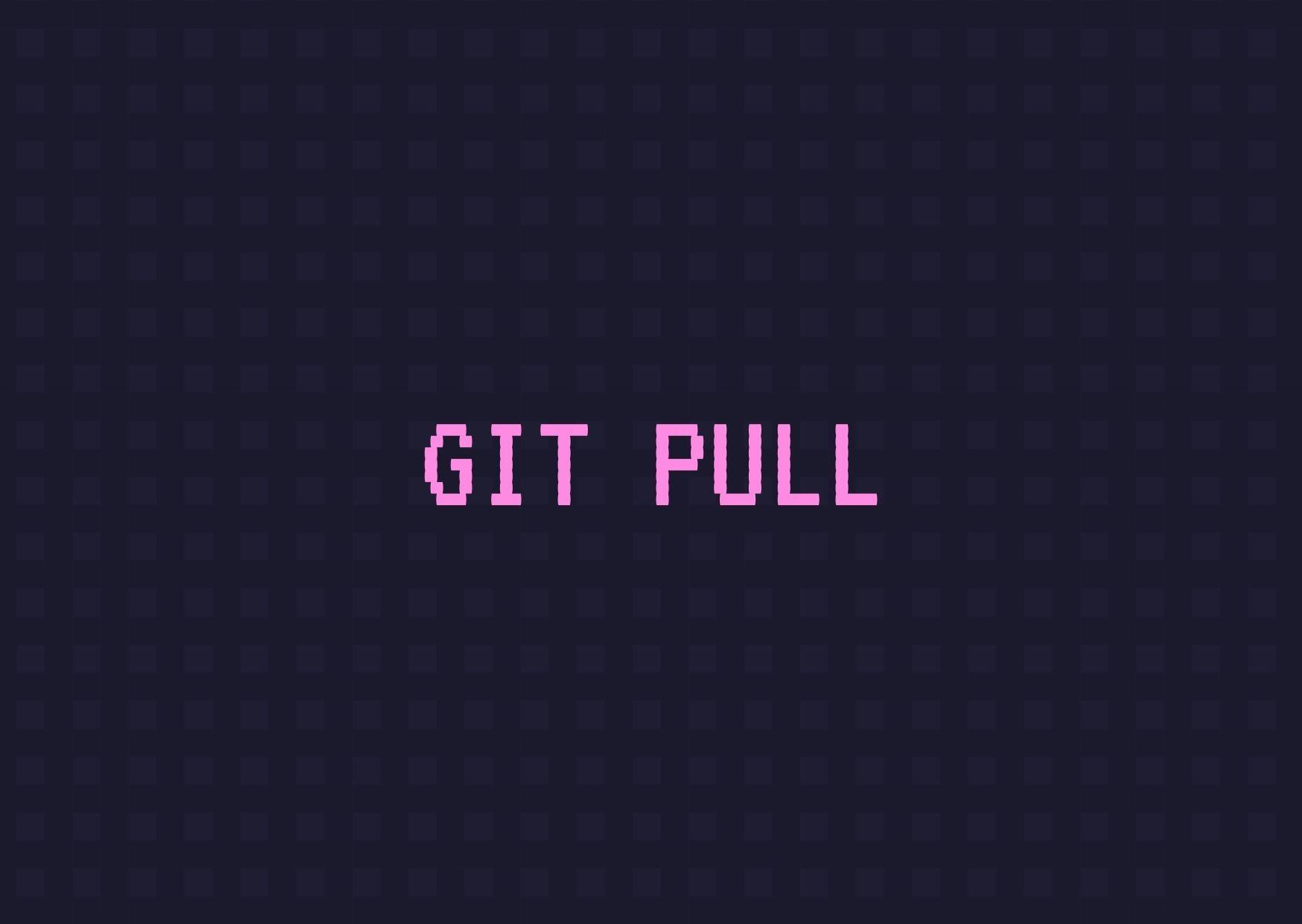
- Merge another branch into the active branch (Main)
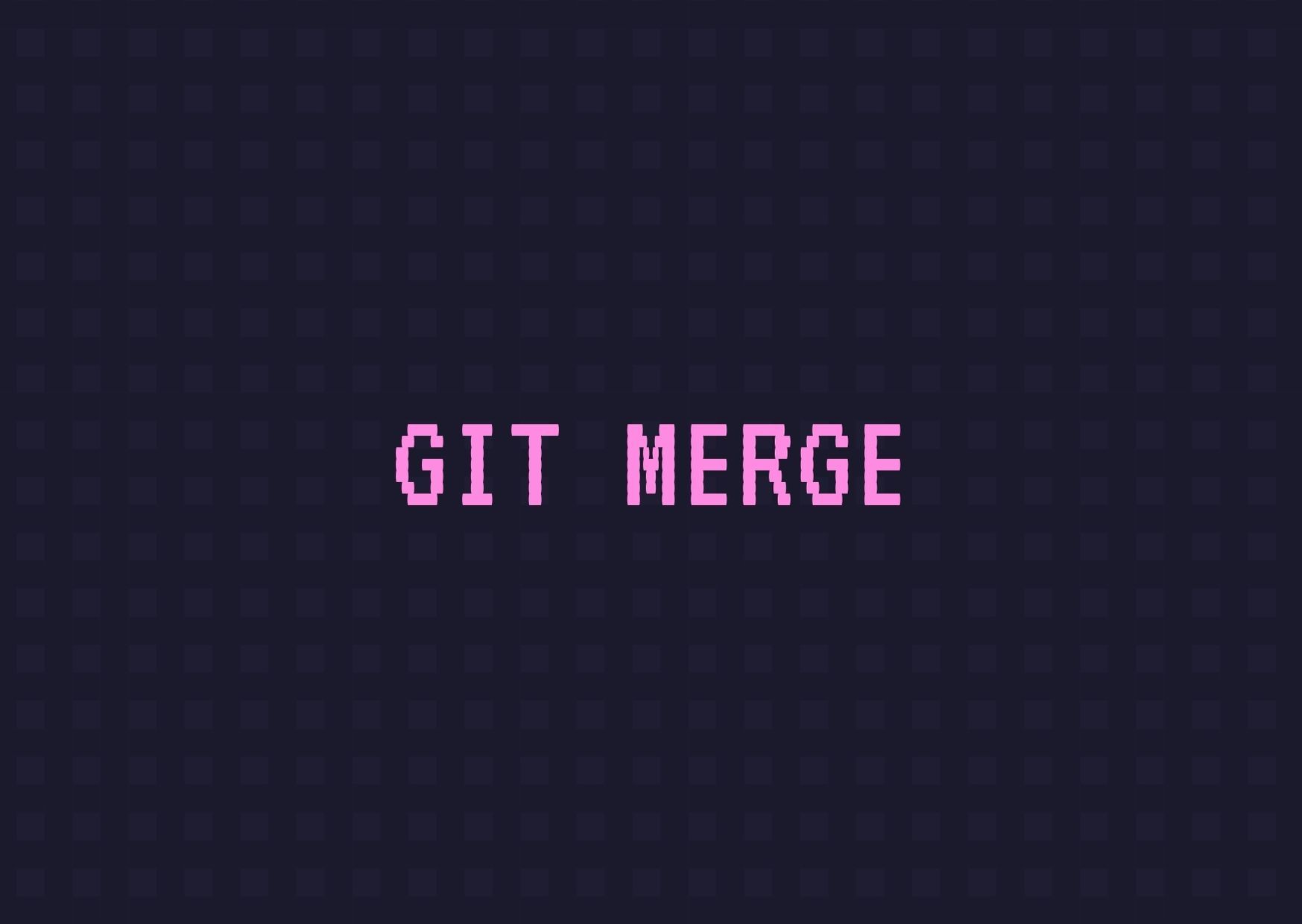
- Show changes in the repo (new, old, and modified)
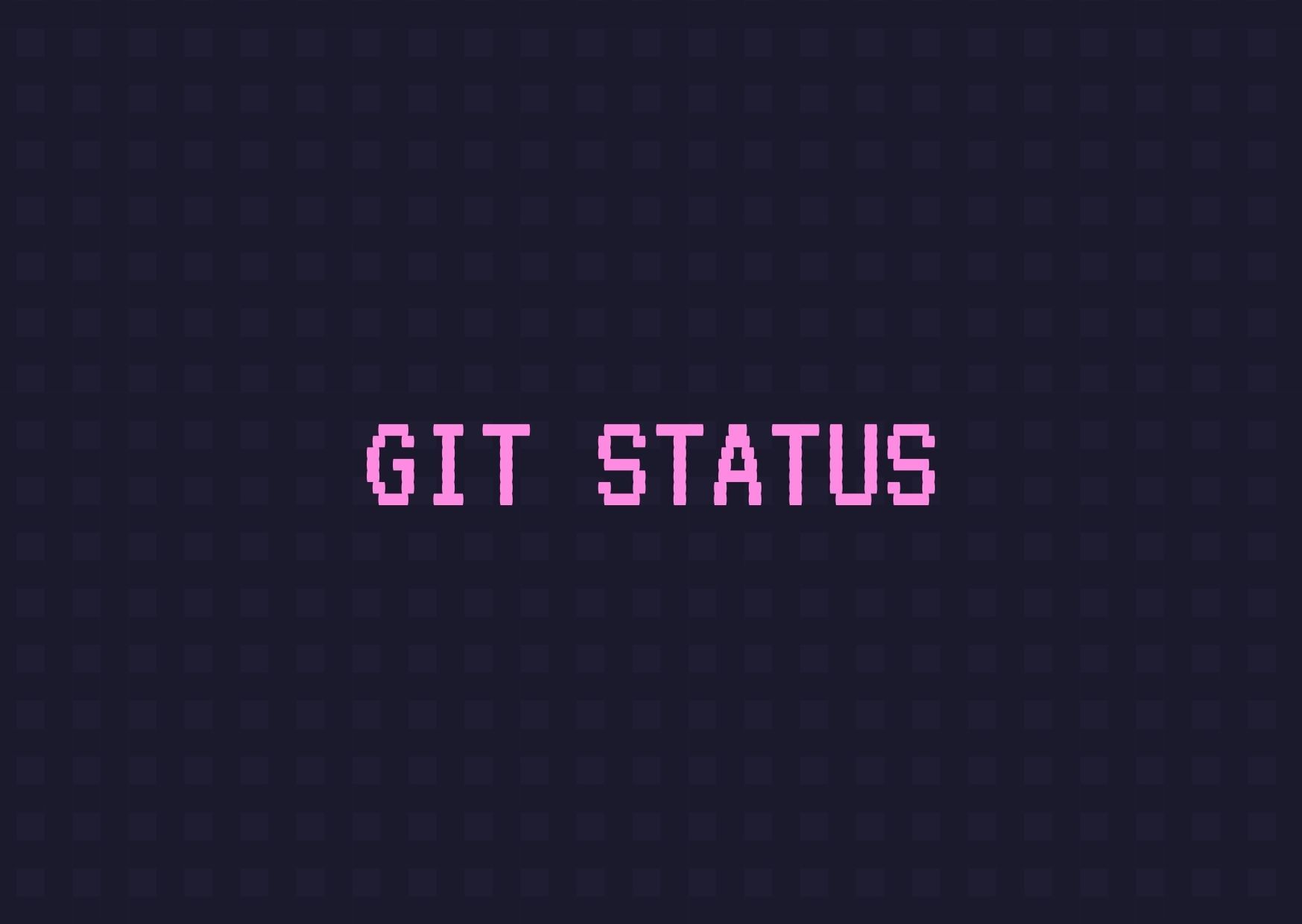
- Show all commits
So what is GitHub?
It’s a platform created in 2008 that lets us manage and store Git repositories in the cloud. That’s it—you can keep your projects with Git locally, since GitHub acts as an intermediary to keep an external Git backup and makes it much easier to collaborate and share your projects with other developers.
What is a fork?
A fork is a GitHub-specific mechanism that exists because not everyone can edit your repository; a fork is a clone of the repo on GitHub that works like a branch of the original and is the main way someone can propose changes to a repository they didn’t create.
How is a fork different from a clone?
When you clone a repository, you download a copy to your machine. You start working, make changes, and push. When you push, you’re modifying the repository you cloned.
When you fork a repository, a new repository is created in your account with a different URL (the fork). You then clone that copy and work on it so that when you push, you’re modifying YOUR COPY (the fork). The original repository stays intact. The most common use is letting developers contribute to a project safely.
What is a pull request?
A pull request is a merge request, and while it can be used within the same repository where the creator has merge power, it’s the mechanism used to send changes from a fork to the original repo. The goal of PRs is validation and/or documentation of changes—it lets you ask others for review or, if it’s within the same repo with no reviewers, document why certain changes go into main.
--------------------------------------------------------
For now, that’s the basics—in the next post we’ll look at GitHub CLI in desktop and terminal versions. I hope it helps =)
Originally published on DEV Community.