We've all pushed a commit we shouldn't have, broken everything, and panicked. Luckily, Git lets us fix those mistakes and roll back to when everything worked perfectly. Today we’re talking about CHERRY-PICK, a command that lets you pick one or more commits from a branch and apply them to another.

How to use git cherry-pick?
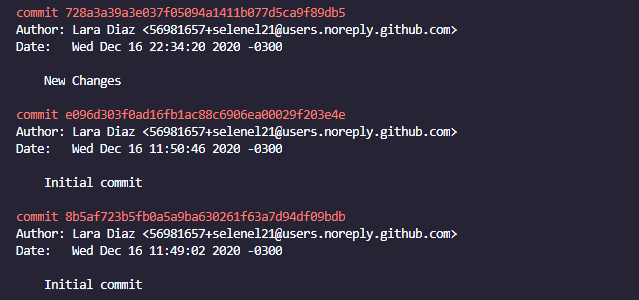
All you need is the hash of the specific commit you want to apply to your branch. How do we get that? In the terminal we run <git log>
-
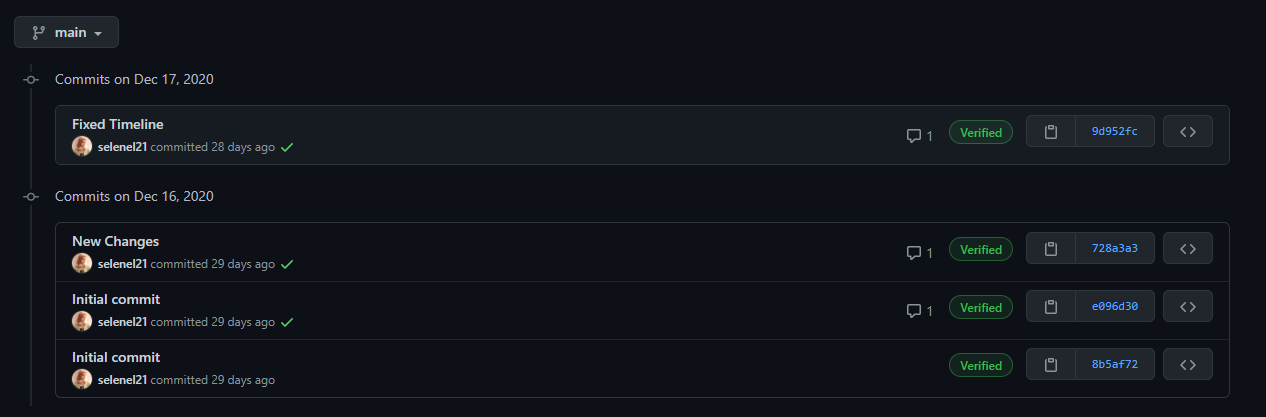
Find the hash (commit number) we just made and write it down. In that same log, find the hash of the commit we want to bring into our branch. You can also look it up on GitHub/GitLab/
-
Now in the terminal, run: → git reset --hard commit number we need → git checkout your-branch → git cherry-pick commit number we made --no-commit
And we can get back to work! It’s not one of Git’s most-used tools, but it can be very handy and save a lot of time when working across multiple branches.
Originally published on DEV Community.